01
The idea
Find your first line.
Start with an idea or a script. Give the story a place to begin, and somewhere unexpected to go.
 MagicLight.

An idea is only the beginning
Give your story a bigger screen.
AI video creation, from the first spark to the final scene.
Get it on Google Play01 / Story worlds
A sweeping adventure. A small discovery.
There is a story in every starting point.
The premise
A ticket with no destination. A familiar face in an unfamiliar world. Some journeys deserve more than a single scene.
Website concept art. Not an app-generated result.A traveler boards a red train that only appears once a year. At every stop, a different version of their future is waiting.
An original idea to make your own.
The premise
One curious mind. One unlikely companion. Give your characters a world full of discoveries, and a reason to keep exploring.
Website concept art. Not an app-generated result.A young inventor and her homemade robot discover that one star has gone missing. Their treehouse observatory becomes the start of a very big adventure.
An original idea to make your own.
The premise
Turn a simple thought into a visual journey. Play with texture, color and scale to make an idea feel entirely your own.
Website concept art. Not an app-generated result.A tiny paper boat sets sail to find the edge of its map. Each island teaches it something new about the ocean, and about itself.
An original idea to make your own.The unexpected ticket
A world beyond the window
The choice to stay
02 / The making of
The idea
Start with an idea or a script. Give the story a place to begin, and somewhere unexpected to go.
The cast
Build a character profile from a photo and carry a familiar face through the scenes of your story.
The world
Shape the look with image creation, visual styles, camera angles and lighting choices.
The final touch
Bring the pieces together with voice, captions and editing tools, then review your finished video.
Big adventures/Little lessons/Visual explainers/Fresh perspectives
03 / Inside the app
Meet the Android app that puts stories, characters and scenes within reach.
Get it on Google PlayAvailable on Google Play. In-app purchases.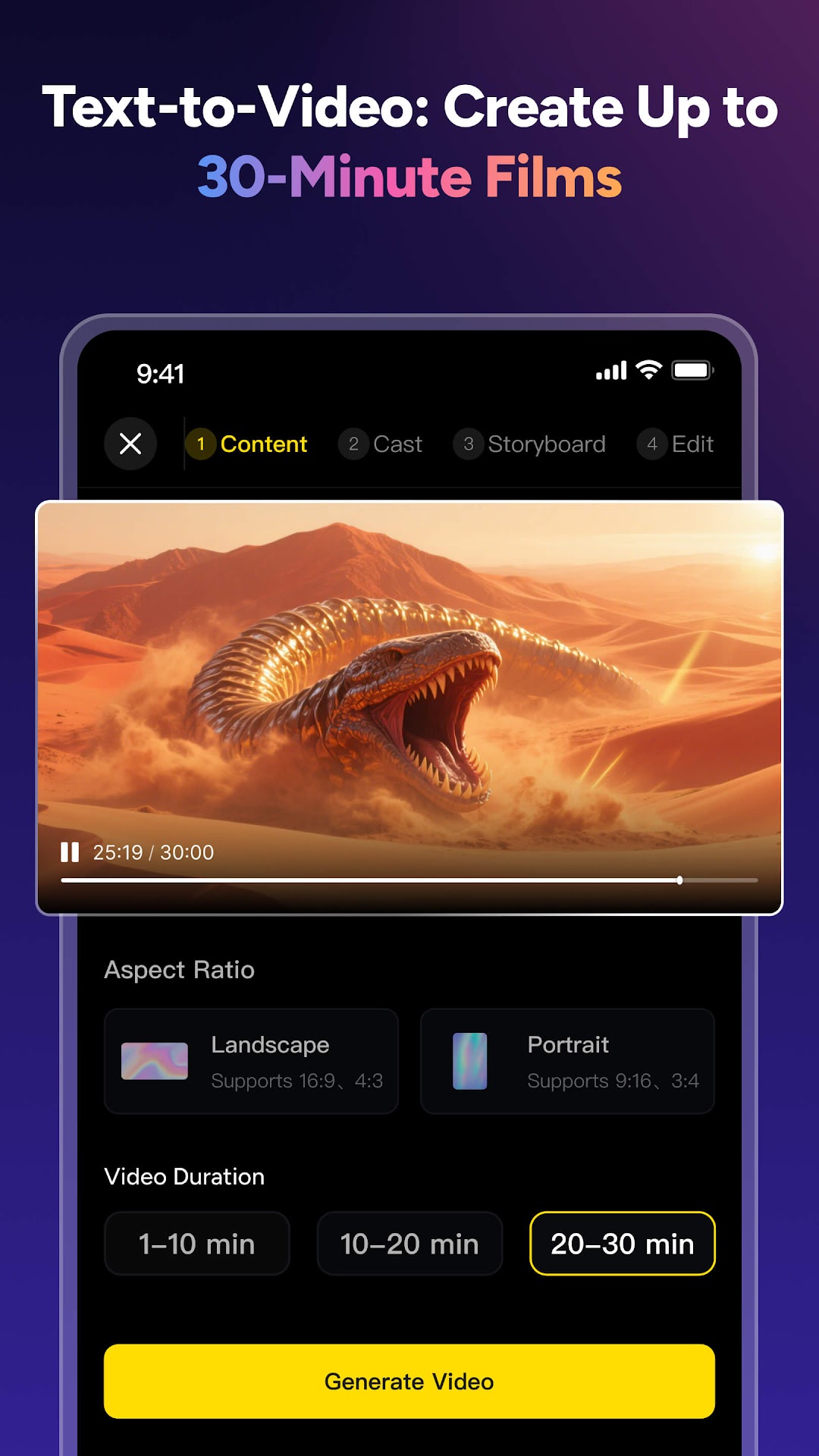
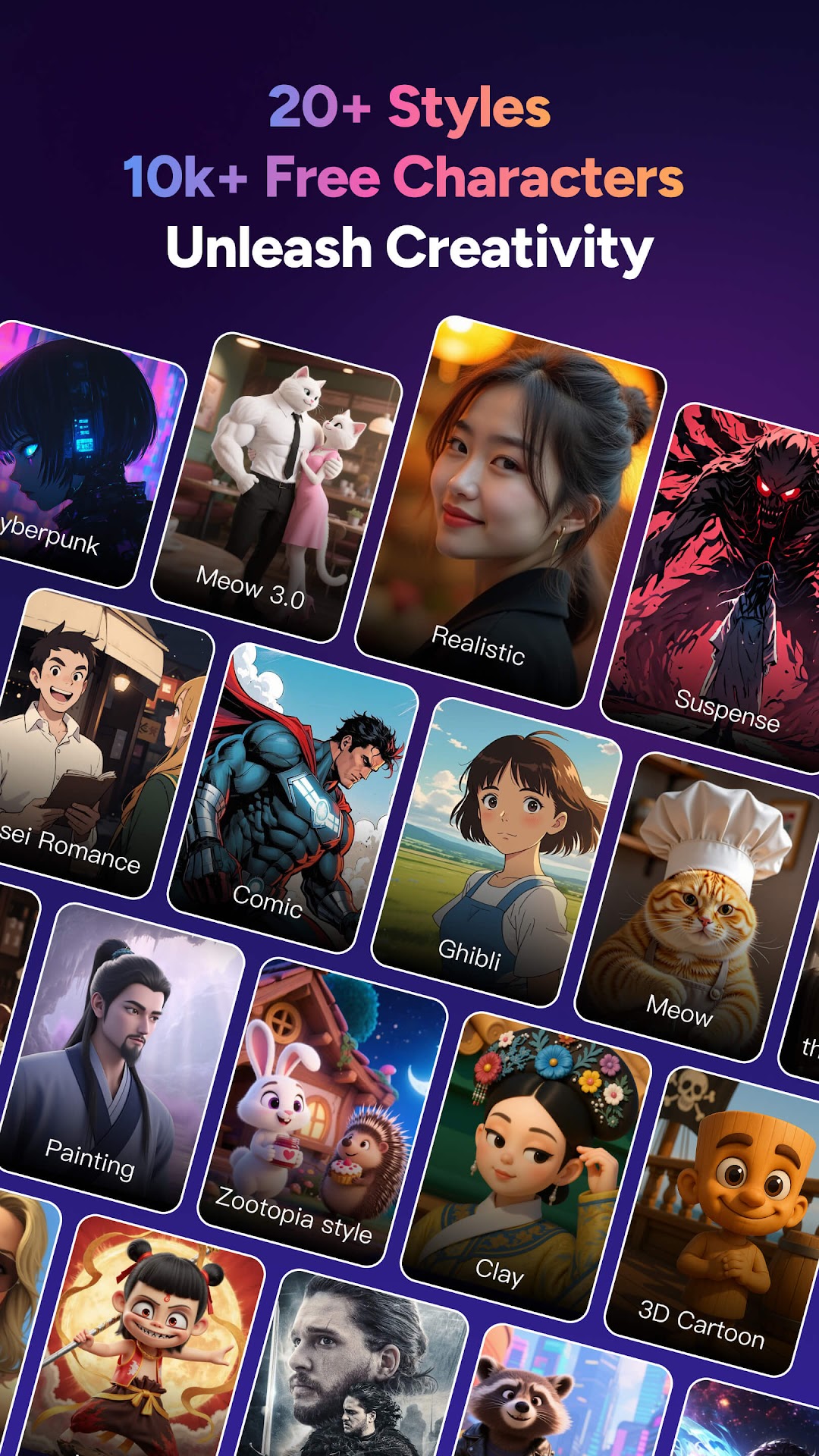
Promotional screenshots from Google Play. App appearance and offers may change.
Turn written ideas and scripts into multi-scene videos. Explore character-led stories, animations and explainers, with tools for images, voices, captions and editing. Available tools depend on the current app version and plan.
No. MagicLight is designed for longer stories as well as short videos. The Android listing describes videos up to 30 minutes. Check the app for the limits that apply to your version, plan and selected creation mode.
The app supports photo-based character profiles and image-to-video creation. Only upload images you own or have permission to use, and get consent before using another person's likeness or voice.
The three story scenes are original AI-generated website concept art, not MagicLight outputs or app templates. The images in the app section are promotional screenshots from its Google Play listing. Actual results vary with your inputs, settings and model.
The Google Play listing includes in-app purchases. Check the current app and Google Play checkout for prices, available offers, creation limits and any recurring billing terms before purchasing. This website does not take payments.
For a Google Play purchase, use Google Play's refund process or contact the app's support team with your order reference. Approval depends on the applicable store policy and law; a request is not a guaranteed refund. Approved refunds may affect access to the refunded item. If your access does not update, contact app support. Google Play refund guidance.
Check the current app's account or settings area for a deletion option. If it is unavailable or you cannot sign in, contact support@magiclight.ai to request deletion and confirm the steps for your version. Deleting the app alone is not an account-deletion request and does not cancel any active subscription. Refer to the publisher's privacy policy for data handling. Read the app privacy policy.
From what if, to what is next.
Start your next chapter with MagicLight.